
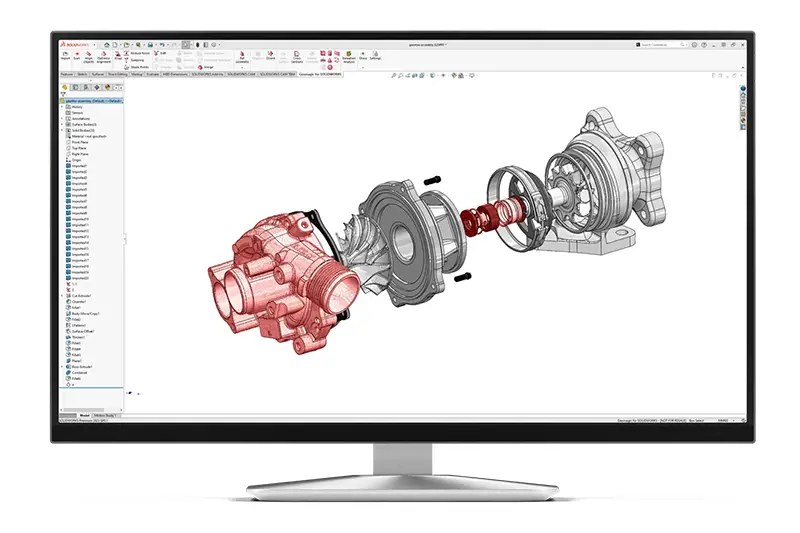
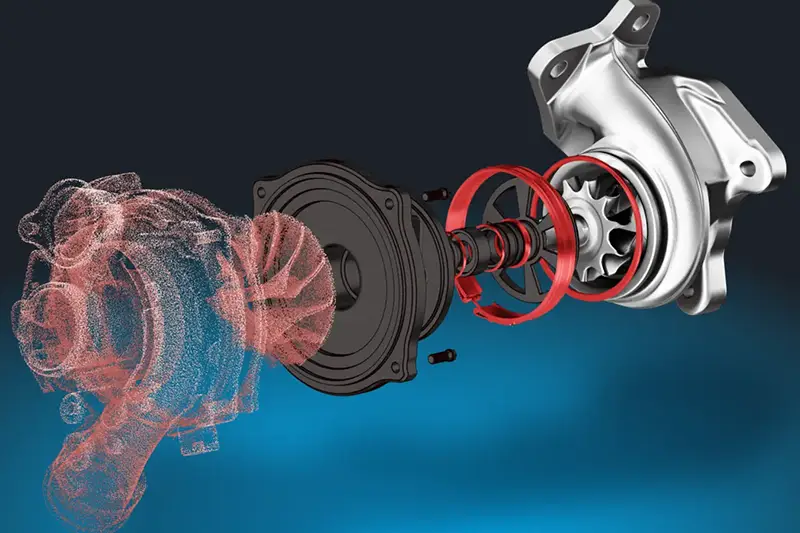
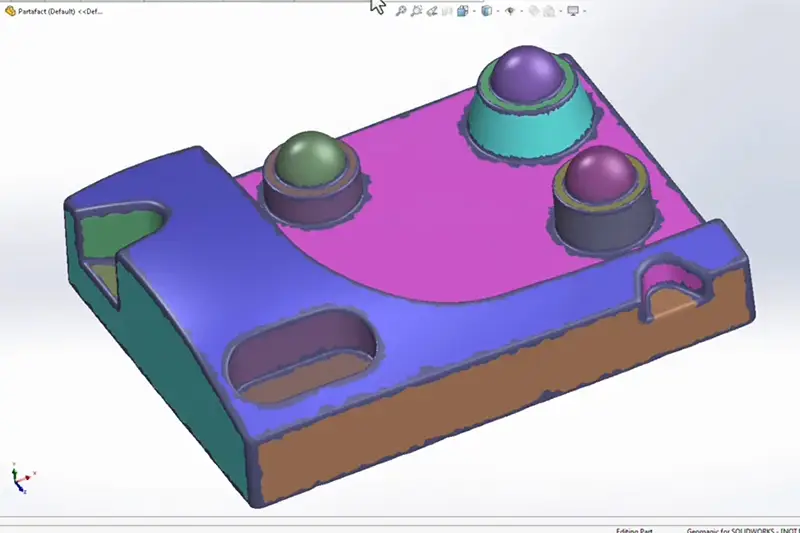
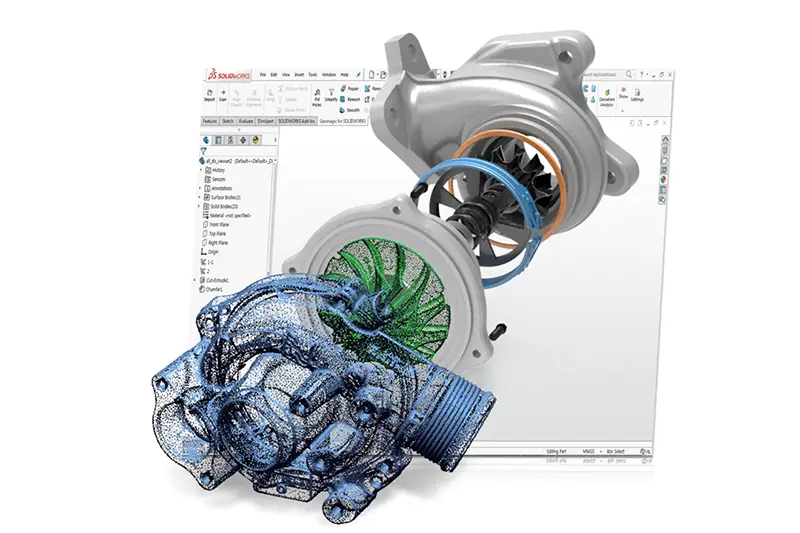
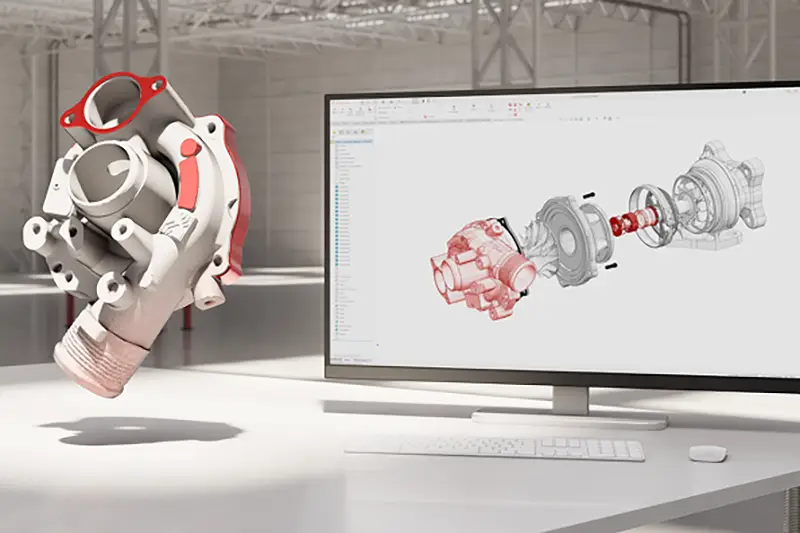
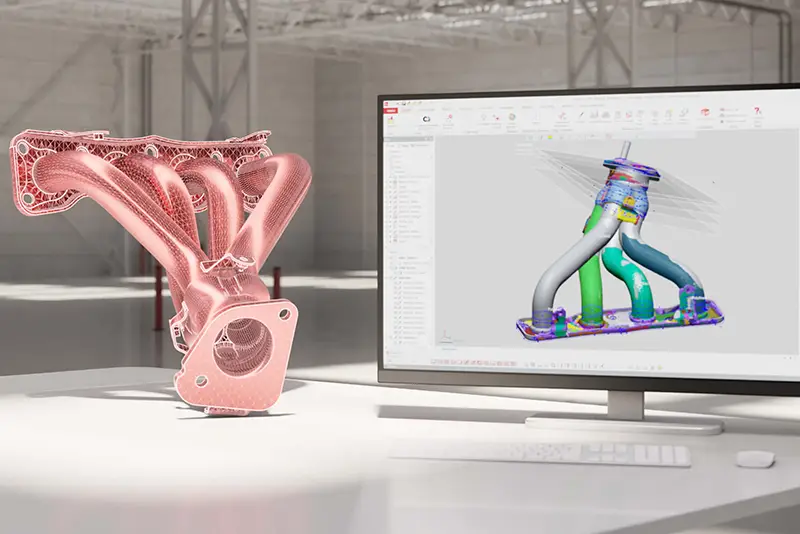
Geomagic for SOLIDWORKS is a reverse-engineering add-in that brings powerful scan-to-CAD capabilities directly into the SOLIDWORKS environment. It allows users to import or capture point clouds and mesh data, clean and process scans, and convert them into editable sketches, surfaces, and solid models—without ever leaving SOLIDWORKS.
Built for engineers, designers, and manufacturers, Geomagic for SOLIDWORKS provides a fast, intuitive way to transform real-world parts into usable CAD geometry, accelerating redesign, modification, repair, and integration workflows without the friction of switching between software tools.
Geomagic for SOLIDWORKS is fully built into the SOLIDWORKS interface as an add-in, so once you enable it you get a dedicated toolbar right inside your existing SOLIDWORKS CommandManager with tools for scan-to-CAD workflows.
Geomagic for SOLIDWORKS works directly with the native SOLIDWORKS modeling engine, so you build parts using the same sketches, features, solids, and surfaces you already know. The add-in extracts reference geometry from scan data—such as curves, planes, and sections—then you create extrudes, revolves, lofts, sweeps, and surface features with standard SOLIDWORKS commands. The result is fully parametric, editable CAD that behaves like any other SOLIDWORKS model for assemblies, drawings, and downstream manufacturing.
