
Services
3D Scanning
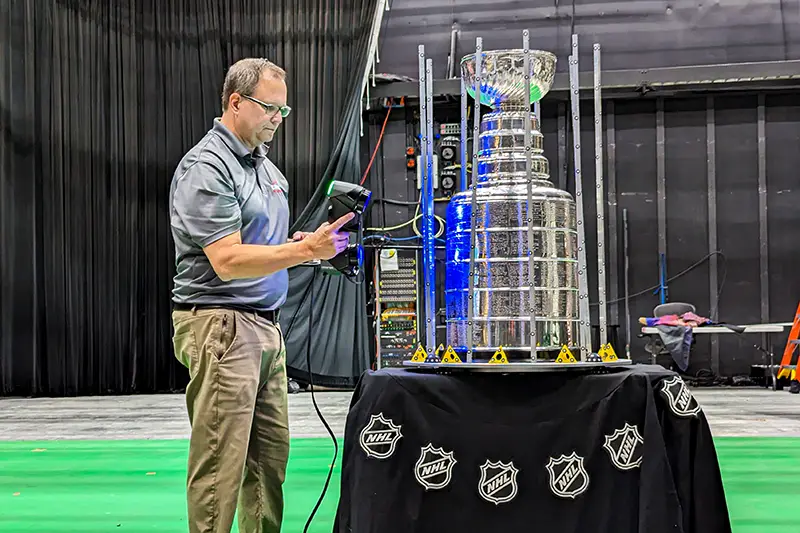
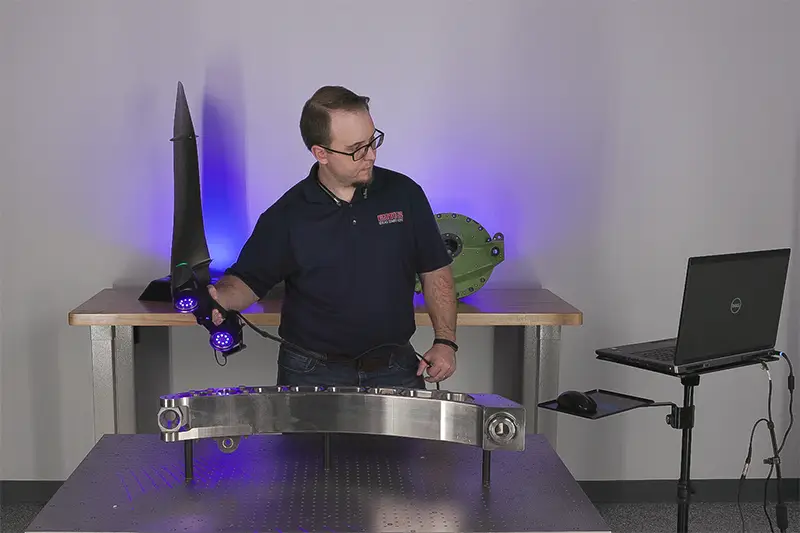
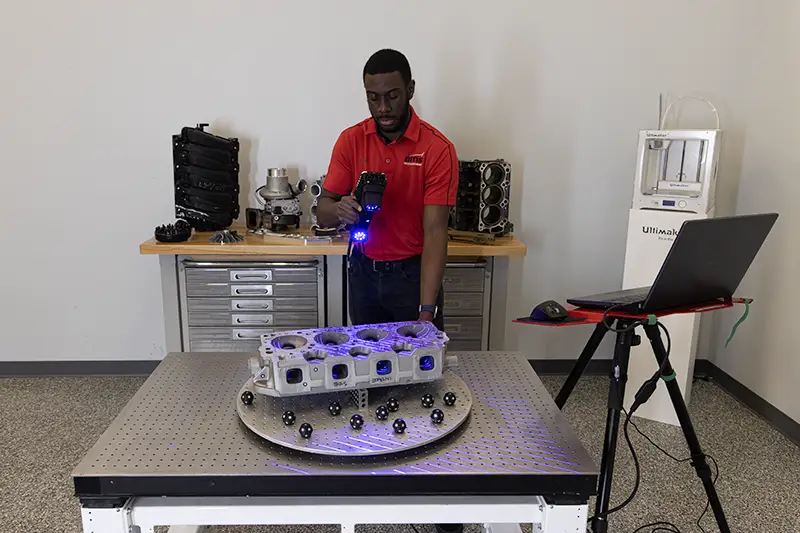
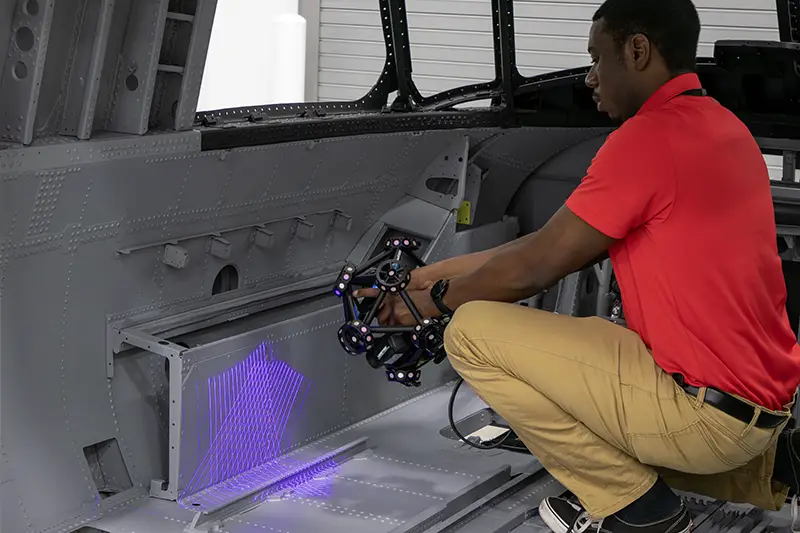
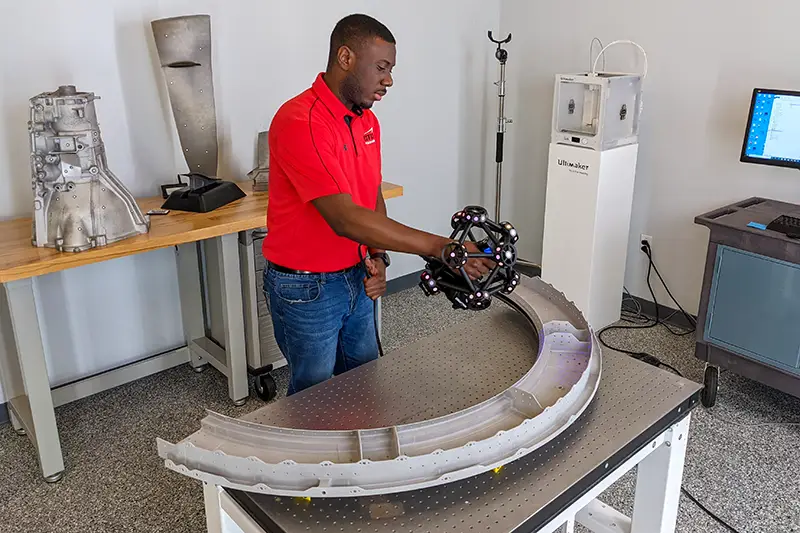
Benefits of handheld 3D scanning include:
- High-accuracy measurement and inspection with accuracies down to 15 microns
- ISO certified and calibrated equipment
- All equipment manufactured in North America for data security and integrity
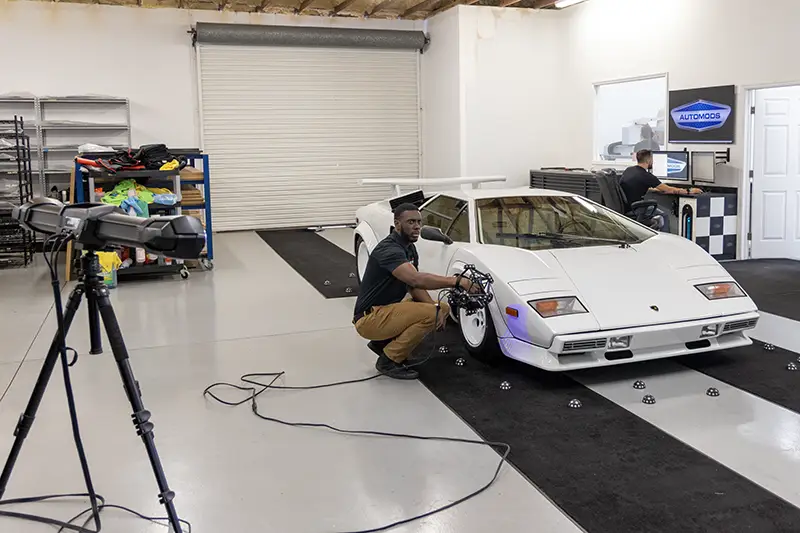
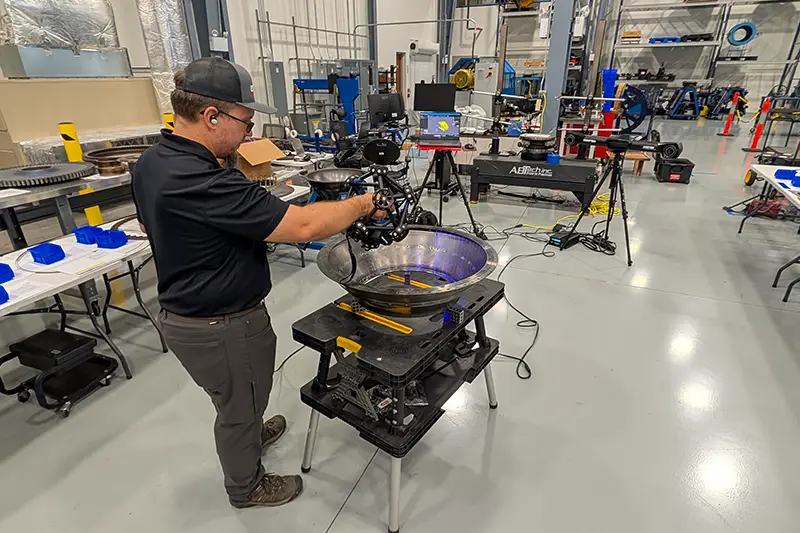
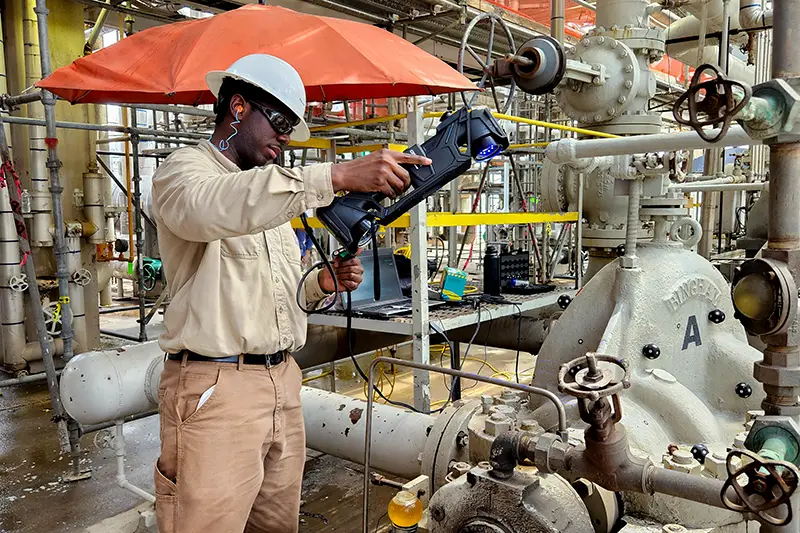
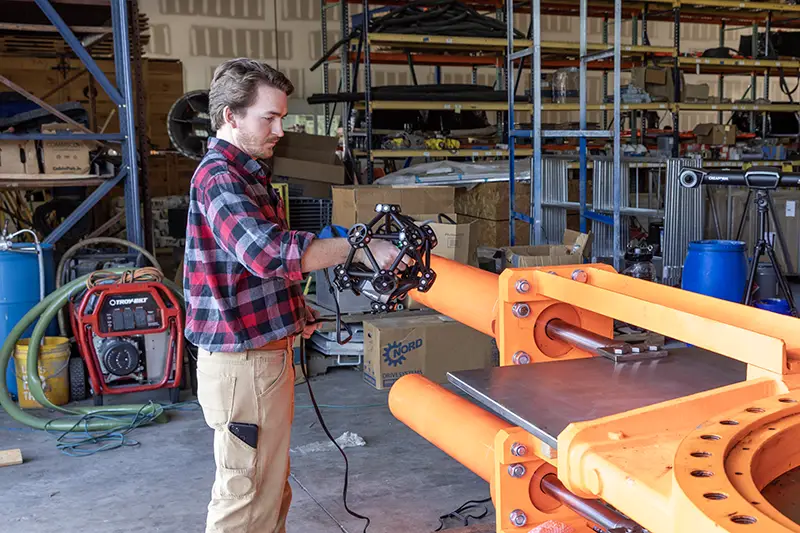
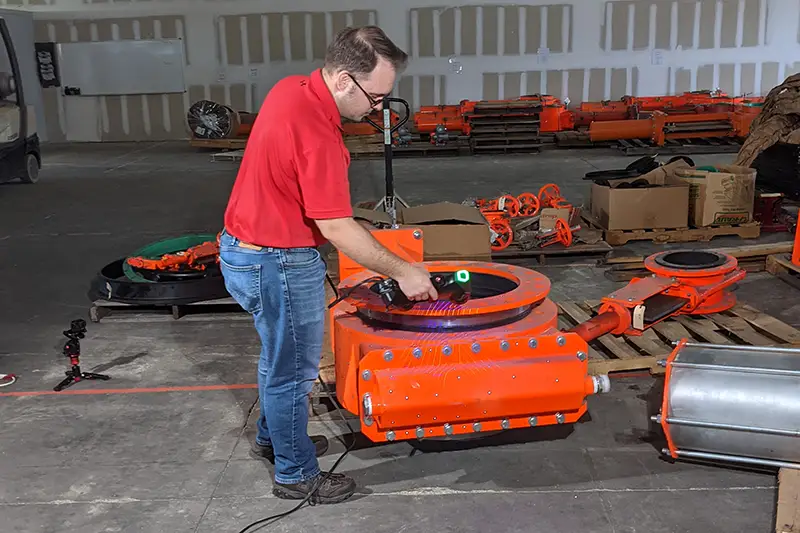
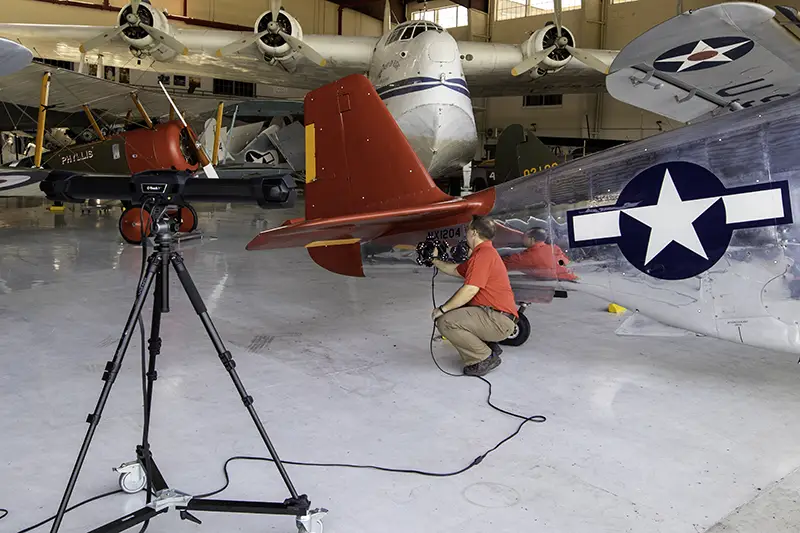
- Portable systems that can scan parts directly on-site
- Ability to capture complex freeform surfaces and intricate geometry
- Non-contact scanning safe for delicate or soft materials
- Real-time visualization and instant 3D scan feedback
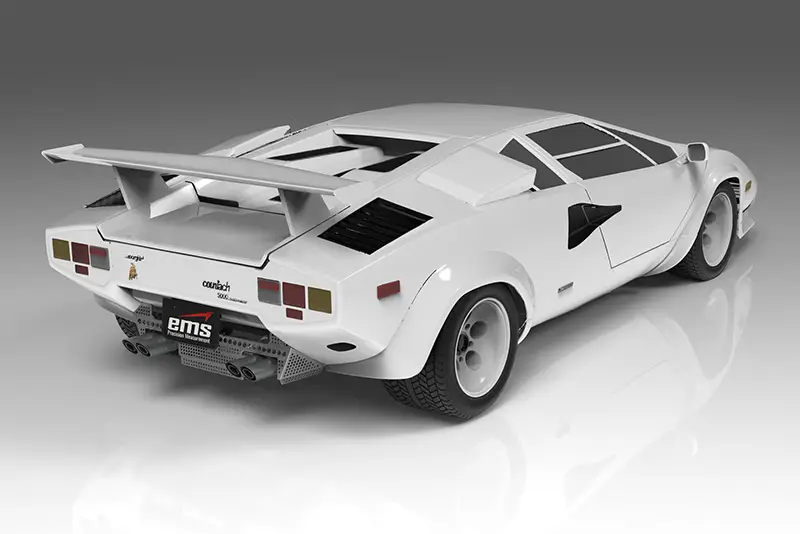
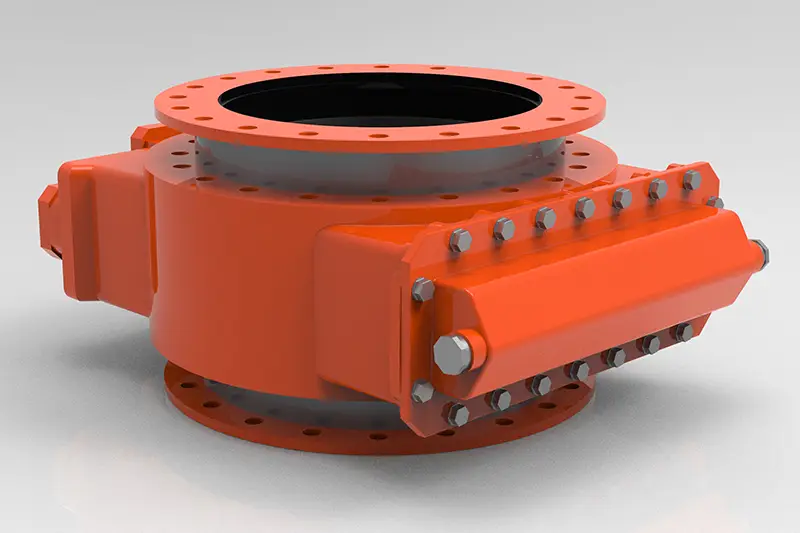
- Creation of STL meshes, CAD models, and inspection reports
- Ideal for aerospace, automotive, marine, energy, medical, and manufacturing applications
3D Scanning Output Options
EMS3D Services Overview
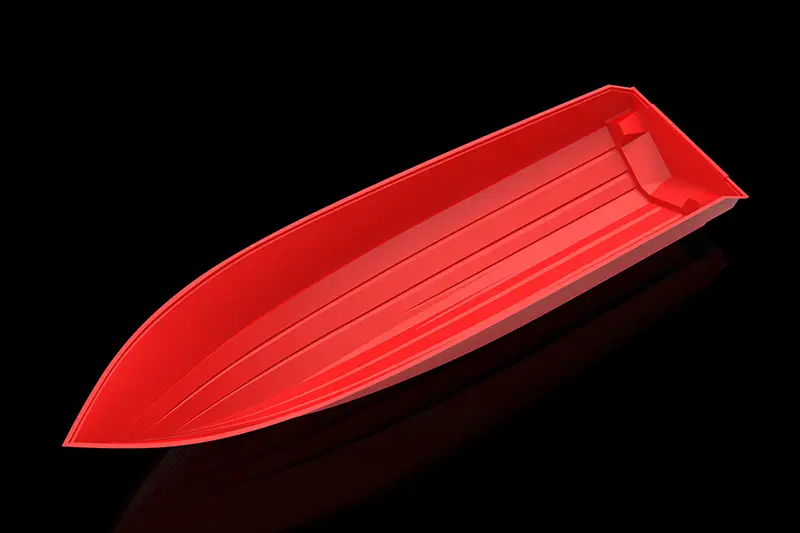
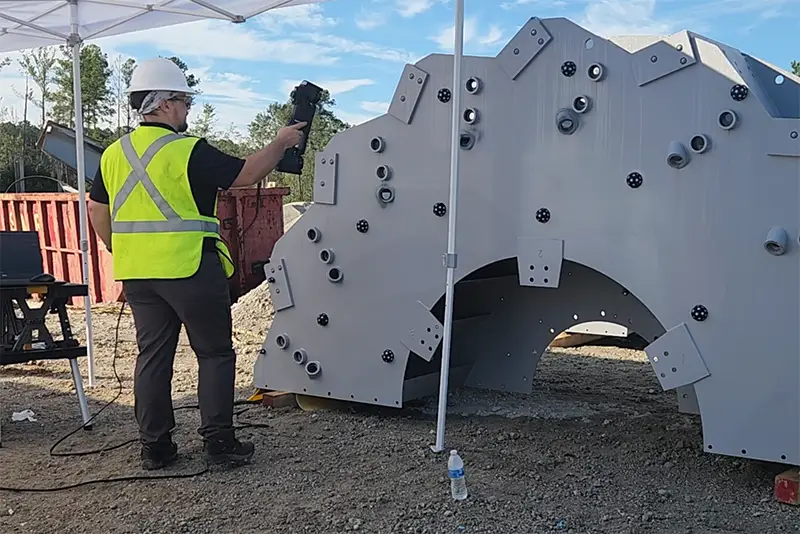
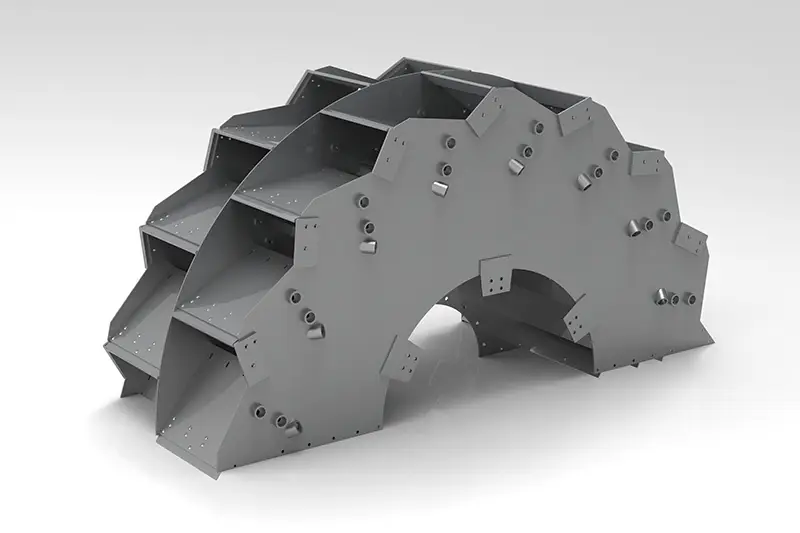
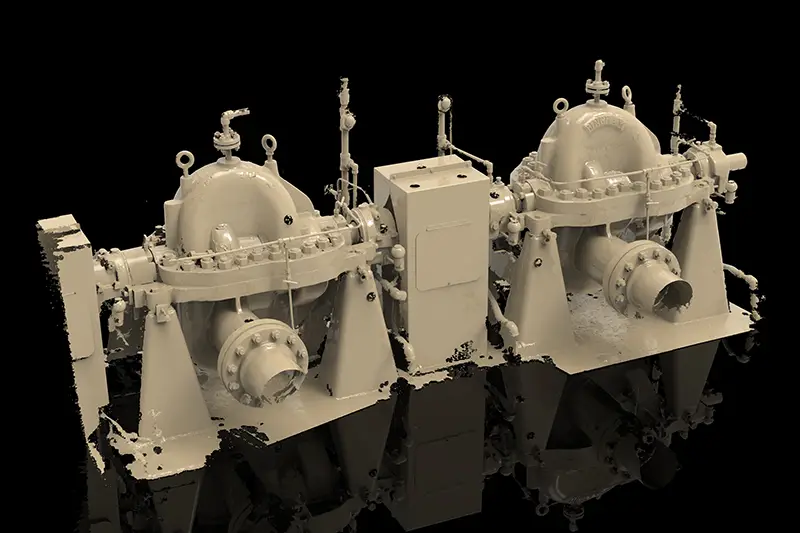
Metal Fabrication Projects

Get a Service Quote
Contact our team to discuss your project and see how 3D scanning can streamline your workflow.
Frequently Asked Questions & Technical Overview
3D Scanning
Handheld 3D laser scanners let you grab the shape of complex parts fast and accurately—without ever touching them. Here are the questions we at EMS3D hear most from companies looking at this tech, answered straight.
01What is a handheld 3D laser scanner?
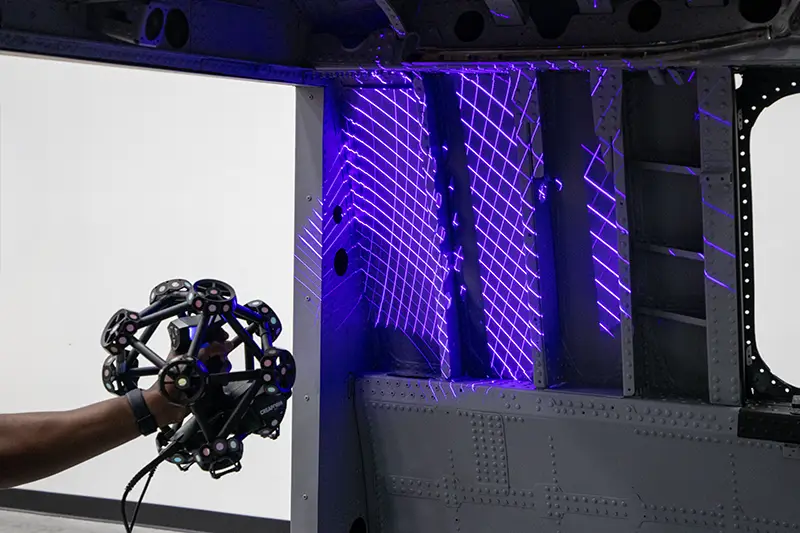
It’s a portable tool that measures the shape of a real object without contact. Laser lines get projected onto the surface while cameras track exactly where they land. As you walk around the part, the software stitches everything into a detailed 3D model. People use these for reverse engineering, checking dimensions, developing products, verifying tooling, or capturing parts that would take forever (or be nearly impossible) to measure by hand.
02How does handheld 3D laser scanning work?
The scanner shoots laser lines or crosses onto the part. Cameras watch how those lines bend over the surface. Software then calculates thousands—sometimes millions—of 3D points and merges each new pass with what it’s already collected. You can literally watch the model grow on the screen while you scan. Once you’re done, you end up with a point cloud or polygon mesh ready for inspection, reverse engineering, or printing.
03How accurate are handheld 3D laser scanners?
It depends. Scanner model, part size, surface finish, environment, and technique all play a role. Good industrial systems can hit within a few hundredths of a millimeter when conditions are right. That single “accuracy” number on a datasheet doesn’t tell the full story, though. Volumetric accuracy—the way error can grow across a bigger object—matters a lot more for vehicles, large tooling, or assemblies. We help customers figure out whether a given scanner actually meets the tolerances they care about.
04What’s the difference between accuracy and resolution?
Accuracy is how close the measurement sits to the true value. Resolution is how fine the surface detail the scanner can pick up. You can get a scan that looks incredibly detailed yet isn’t accurate enough for inspection work. Or you can have a highly accurate system that doesn’t need max resolution for every job. Match the settings to the smallest feature that actually matters and what you’ll do with the data afterward. Cranking resolution higher than needed just creates bloated files and longer processing times for little gain.
05What sizes of parts can be scanned?
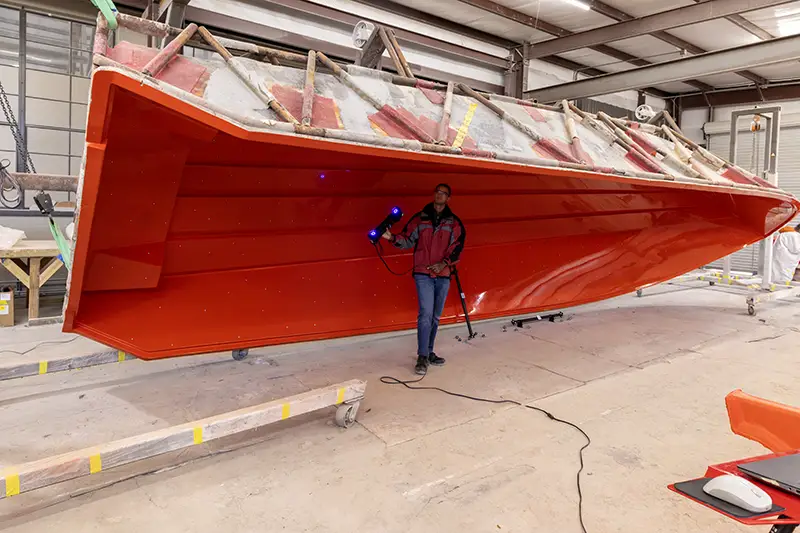
Pretty much anything from small machined pieces to molds, vehicle bodies, heavy equipment, and big fabricated structures. The scanner that shines on a tiny detailed part often isn’t the best pick for an aircraft panel or pressure vessel. Small parts usually want higher resolution and a tighter field of view. Larger ones benefit from a bigger scanning area, built-in photogrammetry, and stronger volumetric accuracy. FARO-Creaform makes different handheld families aimed at different part sizes and jobs.
06Do handheld 3D scanners need targets?
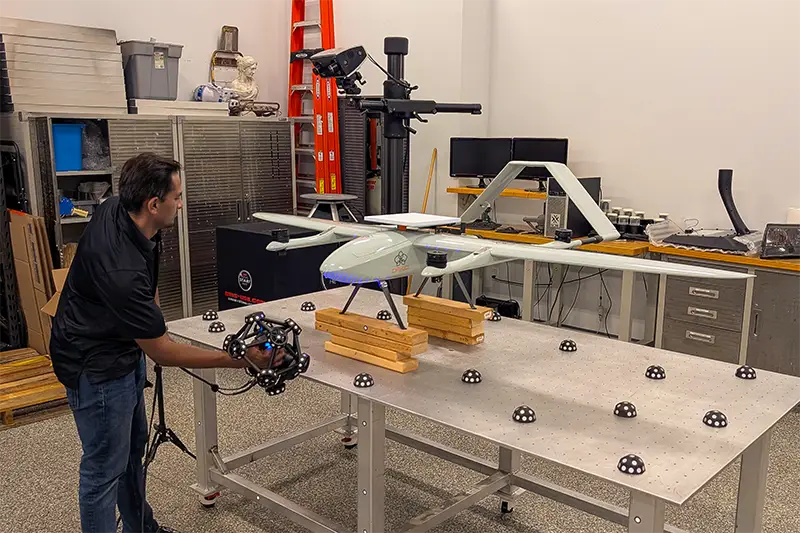
A lot of metrology-grade units use small reflective targets so the system can keep track of where the scanner is. Targets help most on large, smooth, flat, or repetitive surfaces that don’t give the scanner enough unique geometry to follow on its own. Some systems can lock onto the part’s natural shape or color. Externally tracked setups sometimes skip targets on the part completely. When you do use them, stick them on in a random, well-spread pattern—not neat rows.
07Do shiny, black, or reflective parts need scanning spray?
Not always. Newer blue-laser scanners handle many dark, machined, and reflective surfaces just fine without it. Highly polished metal, chrome, glass, clear plastic, and glossy black finishes still give trouble because they bounce or pass the laser light. In those cases a removable matte spray helps. The coating adds a tiny bit of thickness, so factor that in when tolerances are tight. Always make sure whatever spray you choose comes off cleanly without hurting the part.
08How should a part be prepared before scanning?
Clean it, stabilize it, and make sure you can reach everything you need. Knock off loose dirt, oil, chips, or water that shouldn’t show up in the data. Clamp or fixture anything that might shift. Let the part settle to a stable temperature if accuracy counts. Only put targets or spray on if the job actually requires them. It also pays to mark out the critical datums, alignment features, and trouble spots before you start. Good prep saves time and stops you from having to rescan later.
09Can a handheld scanner capture holes, pockets, and sharp edges?
Many complex features, yes—as long as the laser and cameras can see the surface. Open slots, shallow holes, edges, fillets, and pockets are usually no problem. Deep narrow holes, hidden undercuts, and internal passages often stay partially or fully blocked. A more compact scanner, shorter stand-off, or single-line mode can help reach tighter spots. Critical internal bores may still need a probe, CMM, bore gauge, or industrial CT instead.
10Can the part move while it’s being scanned?
With a target-based system the coordinate frame lives on the targets attached to the part. If the part and targets move together, scanning can often keep going without losing lock—that’s dynamic referencing. What the system can’t fix is relative movement between separate pieces, a target that shifts on its own, or a flexible part that flexes during the scan. Best practice is still to lock the part down whenever you can and keep an eye on the tracking feedback in the software.
11Can handheld 3D scanning happen outdoors or on the shop floor?
Absolutely. That’s one of the big advantages—bring the scanner to the part instead of hauling the part into a lab. Plenty of industrial systems handle production floors and field work well. Sunlight, dust, moisture, wind, vibration, and temperature swings can still interfere. Stay inside the scanner’s rated operating range and remember that thermal expansion of the part itself may matter. Outdoors you might need shade or some other way to knock down strong sunlight.
12What’s the difference between a point cloud, mesh, and CAD model?
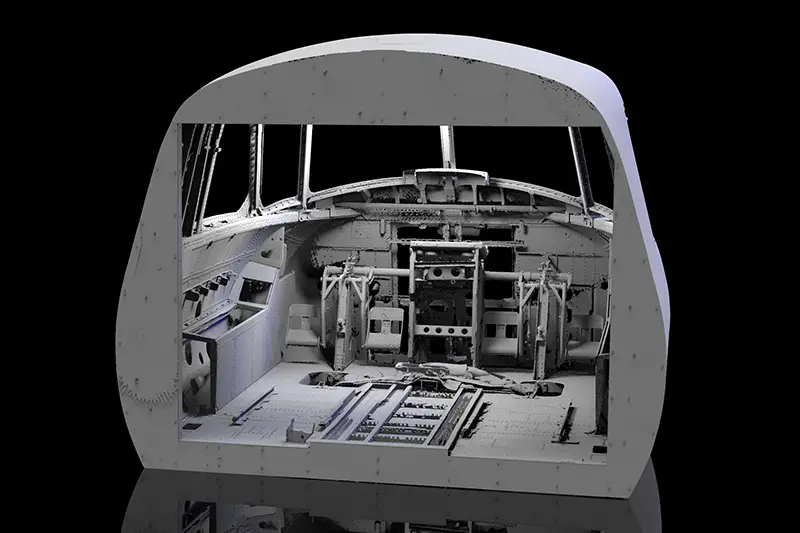
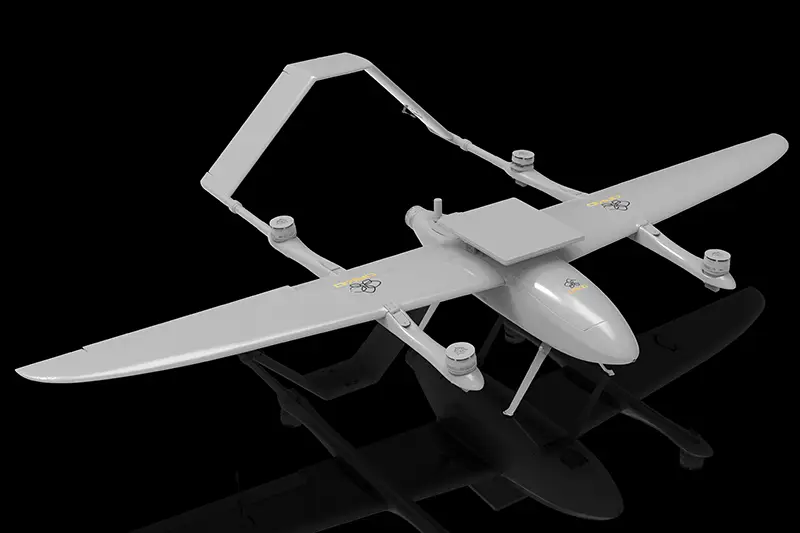
A point cloud is just a bunch of measured XYZ points. A polygon mesh connects those points into triangles so you get a continuous digital surface—usually saved as STL, OBJ, or PLY. A CAD model is something else entirely: a designed model built from features, surfaces, or solid geometry. Scanning typically gives you the point cloud or mesh first. Turning that into an editable CAD model means reverse-engineering work—someone has to rebuild the geometry and decide how to handle wear, damage, symmetry, and original design intent.
13Does a 3D scanner automatically create an editable CAD model?
Rarely. Scanner software can spit out an accurate mesh quickly, but a mesh isn’t a parametric CAD model you can edit like a normal design. You need reverse-engineering tools to pull out planes, cylinders, sections, surfaces, and solid features. That step takes judgment, especially when the physical part is worn, damaged, or no longer matches what was originally intended. We can deliver just the scan data or take the job all the way through to a clean, production-ready CAD model.
14Can scan data be compared directly to a CAD model?
Yes. Inspection software aligns the scan to the original CAD and shows differences with a color deviation map. It can also pull feature measurements, check cross-sections, verify dimensions, and generate reports. Alignment method matters a lot. Best-fit works for general comparison. Drawing-based inspection should follow the specified datums and coordinate system. Pick the wrong alignment and a part can look better—or worse—than it really is.
15What file formats can a handheld scanner produce?
Common mesh formats are STL, OBJ, and PLY. Point clouds might come out as XYZ, PTS, PTX, or E57 depending on the system and software. After reverse engineering you can usually export STEP, IGES, Parasolid, or native CAD formats. Inspection packages also produce color maps, dimension tables, and PDF reports. Before you buy, confirm the software can export formats that play nicely with the CAD, inspection, or 3D-printing tools you already run.
16What computer and software are needed?
Professional scanning usually wants a Windows workstation or mobile workstation with a solid processor, plenty of RAM, a dedicated graphics card, and fast SSD storage. Exact needs change with the scanner, software version, and project size. Big high-resolution scans chew through memory and disk space. Current FARO-Creaform systems use Creaform.OS for capture and work with packages like PolyWorks, Geomagic, and SOLIDWORKS for inspection and reverse engineering. We can put together a complete recommended hardware-and-software package.
17How do I choose the right handheld 3D scanner?
Start with the real work: smallest and largest parts, required tolerances, critical feature sizes, surface finishes, access limits, environment, and what the final deliverable needs to be. Then compare accuracy, volumetric accuracy, resolution, scanning area, depth of field, target needs, portability, software, and support. Don’t pick a unit just because it has more laser lines or a higher point rate. The smartest move is to test the scanner on parts that actually represent your jobs and walk the full workflow from setup through to finished report or CAD model.
18Why buy a handheld 3D scanner from EMS3D?
We don’t just sell scanners. We use this equipment every day for real scanning, dimensional inspection, and reverse-engineering projects. That hands-on experience lets us recommend a system based on what you actually need to accomplish, not just the numbers on a spec sheet. We can demo FARO-Creaform handheld scanners on your own parts, help pick the right hardware and software, train your operators, and stick around for application support afterward. When your team hits a tough job or needs extra capacity, we can handle the overflow too.
