
Services
Custom Training
- Training customized specifically to your company and applications
- Courses tailored to user skill levels from beginner to advanced
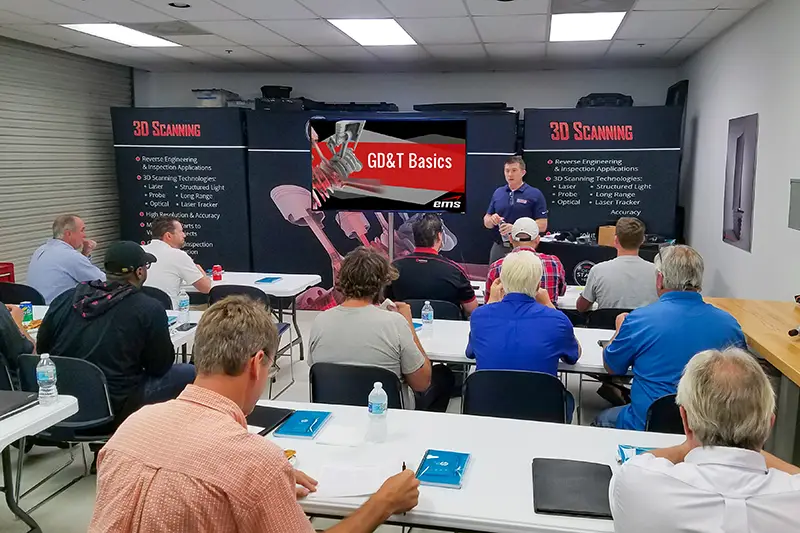
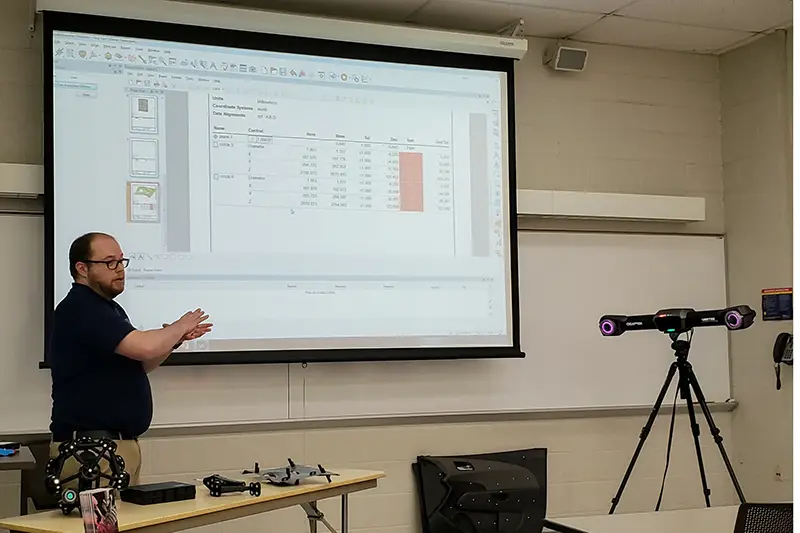
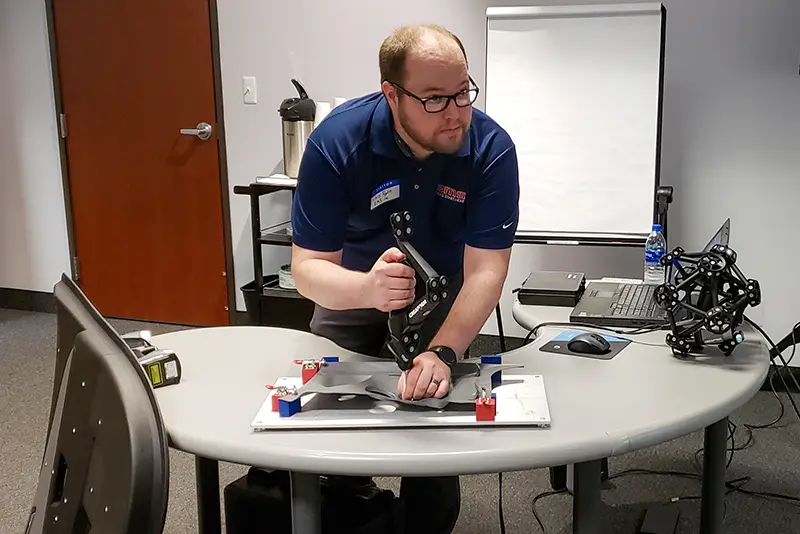
- Hands-on instruction using real-world parts and workflows
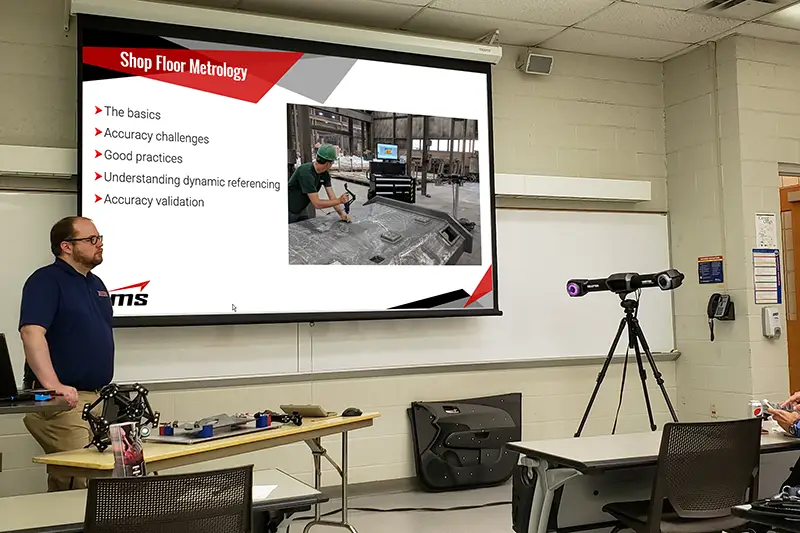
- On-site customer training or training at EMS facilities
- Small group, private, or large classroom training options
- Instruction for 3D scanning, inspection, reverse engineering, CAD, and metrology workflows
- Faster user adoption and improved productivity
- Reduced operator errors and workflow inefficiencies
- Industry-specific training for aerospace, automotive, marine, manufacturing, energy, and defense applications
- Direct access to experienced application engineers and industry experts
Our goal is to provide practical, application-focused training that gives customers the knowledge and confidence to maximize the value of their equipment, software, and metrology workflows.
5 Things to Look for in Training

Get a Service Quote
Contact our team to discuss your project and see how 3D scanning can streamline your workflow.
Frequently Asked Questions & Technical Overview
Custom 3D Scanning Training
Buying a 3D scanner or inspection package is the easy part. Getting a team to produce reliable scans, clean CAD, and defensible inspection reports on real production parts is where custom training earns its keep.
The answers below cover the questions we hear most from quality managers, engineering leads, and business owners planning training for their team.
01What is custom 3D scanning and metrology training?
Custom training is built around your company’s equipment, software, applications, and employee experience. Instead of following a generic product demonstration, the instructor focuses on the workflows your employees actually need to perform.
Training can cover the entire process, from setting up and operating the scanner to processing the data and producing an inspection report or CAD model.
02Why invest in custom training instead of standard manufacturer training?
Standard OEM training typically covers general “buttonology,” teaching where features live in the software interface using generic sample files. That has its place, but it rarely translates directly to the parts sitting on your shop floor.
Custom training tailors the curriculum to your actual production hardware, your software stack, and your real parts. Your team builds repeatable workflows on their own components from day one, and the instructor can address the specific alignment, datum, surface, or modeling problems those parts present.
03What subjects can be included in a custom training program?
Training can be developed around one product or a complete measurement and engineering workflow. Common subjects include:
- 3D scanner setup, operation, calibration, and scan technique
- Target placement, geometry tracking, and scanning difficult, reflective, or complex parts
- Scan alignment, data cleanup, mesh editing, and optimization
- Dimensional inspection, CAD comparison, color-map analysis, and GD&T
- Reverse engineering and scan-to-CAD, including solid, surface, and hybrid modeling
- Inspection reporting
- Equipment care and basic troubleshooting
The agenda is established before training begins so the available time is spent on the subjects that matter most.
04What is the difference between hardware training and software training?
Hardware training covers physical setup, target placement, exposure control, calibration, and scan technique so the team can capture clean data. Software training covers what happens next: building parametric CAD in packages such as Geomagic Design X or SOLIDWORKS, or running GD&T, color maps, and inspection reports in Control X or PolyWorks.
Custom training bridges both sides into one unified workflow, because a great scan is worthless without the processing skills to use it and vice versa.
05Can the training use our own parts and projects?
Yes. Whenever practical, we encourage customers to use their own parts, drawings, CAD models, and scan data during training. Sending representative parts or CAD files ahead of time lets us build the curriculum around them.
Standard sample parts are still useful when introducing a new concept, because they remove unnecessary complications. Once the basic workflow is understood, applying it to your actual parts prepares employees for the problems they will encounter after the class is over.
06Is training available at our facility or online?
Both, depending on the subject. On-site training is generally the best choice for scanner operation and other hardware-based instruction. Students get direct hands-on guidance in their own working environment, and the instructor can identify factors such as ambient lighting, table vibration, or temperature swings that affect data quality.
Online training works well for software instruction, inspection workflow reviews, reverse engineering, troubleshooting, and follow-up sessions. A combination of on-site and online training is often the most practical approach.
07How long does custom training take?
It depends on the equipment, software, applications, and experience of the participants. Focused training on a single 3D scanner with basic data processing typically takes two or three days. A complete program covering scanning, probing, dimensional inspection, GD&T, and reverse engineering may require five to ten days.
For larger programs it is often better to divide instruction into stages. Employees complete the introductory training, practice on real projects, and return for advanced instruction once they have developed useful questions.
08How many people should attend a session?
For hands-on hardware and software training, we recommend three to six participants per instructor. Small groups ensure everyone gets adequate time operating the scanner, practicing software commands, and receiving direct feedback. If participants have significantly different experience levels, separate beginner and advanced sessions usually produce better results.
09What experience should employees have before attending?
The required background depends on the course. New scanner operators do not need previous 3D scanning experience; basic computer skills and an understanding of the parts being measured are enough to start.
Reverse engineering students benefit from prior CAD experience in a package such as SOLIDWORKS, Inventor, or Creo. Employees attending dimensional inspection or GD&T training should be familiar with engineering drawings and basic measurement concepts.
10Can EMS3D train us on equipment or software we bought from another supplier?
Yes. EMS3D provides training for supported 3D scanning equipment, reverse engineering software, and inspection software even when the products were purchased elsewhere.
Before preparing the course, we review the products in use, the experience of the participants, and the work your company needs to complete. That determines whether custom training is the right fit and how much time should be scheduled.
11How is custom training different from technical support?
Technical support answers an occasional question or resolves a specific problem. Training is structured instruction designed to build broader knowledge so employees can complete an entire workflow on their own.
Reminding an experienced user where to find a software command is support. Teaching someone how to scan a part, establish an alignment, evaluate GD&T, and produce an inspection report is training.
12Who conducts the training?
EMS3D training is conducted by engineers and applications specialists who also perform professional 3D scanning, dimensional inspection, reverse engineering, and CAD modeling projects every day.
That practical experience lets the instructor go beyond software commands and explain why one approach works better than another. Students learn to recognize poor data, avoid common mistakes, and recover when a project does not go according to plan.
13What post-training support is available?
Learning metrology software is an ongoing process. After training, your team has access to technical support, follow-up Q&A sessions, and refresher or advanced modules when a new, more complex modeling or inspection project comes up. When your team hits a job that exceeds its capacity or comfort level, EMS3D can also handle the overflow work.
14How should we prepare for a training session?
To make the most of the scheduled time, have your scanning hardware calibrated and operational, workstations pre-installed with licensed metrology software, and two or three representative parts cleaned and ready to scan. Having drawings or CAD models for those parts on hand lets the class move straight into inspection or modeling exercises.
15What information is needed to prepare a training proposal?
To recommend the right program, we generally need:
- The 3D scanning equipment and software being used
- The number of employees attending and each participant’s general experience level
- The applications or workflows to be covered
- Examples of the parts being scanned or inspected, with any available drawings, CAD models, or scan files
- The preferred training location
- Any production deadlines or scheduling restrictions
- The results employees should be able to produce after training
The more information provided in advance, the more closely the course can be matched to your company’s actual work.
