
Services
Reverse Engineering / CAD Modeling
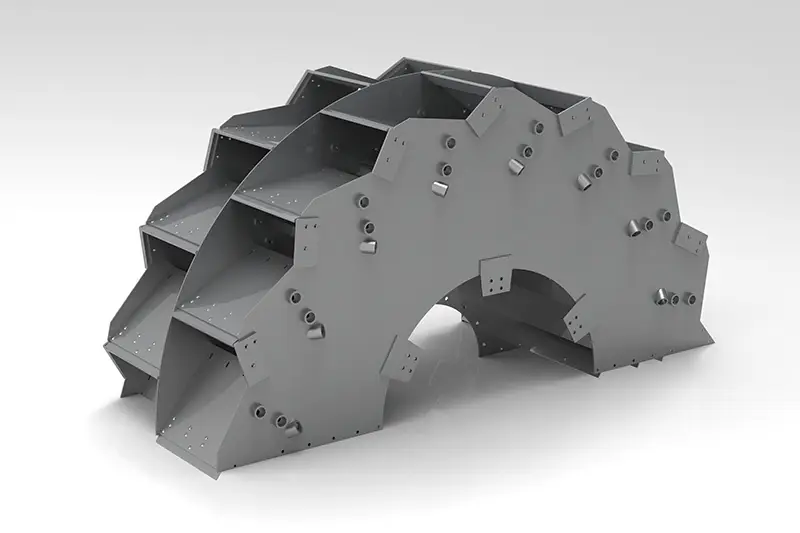
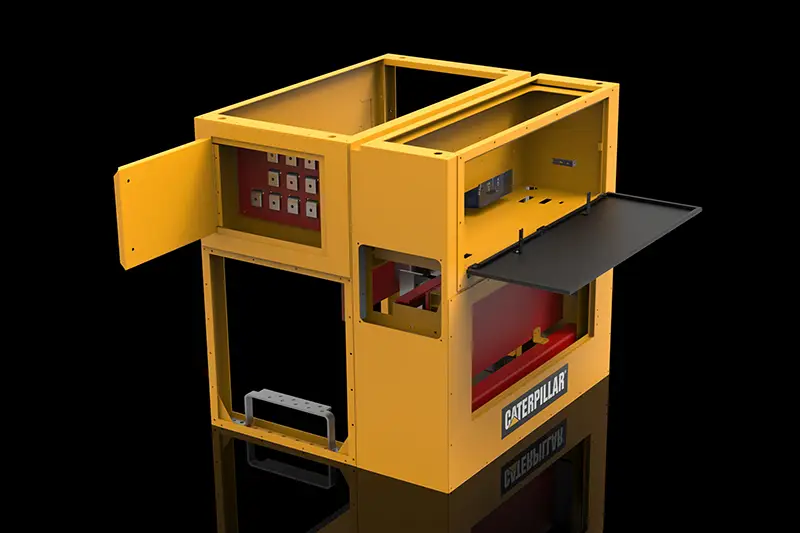
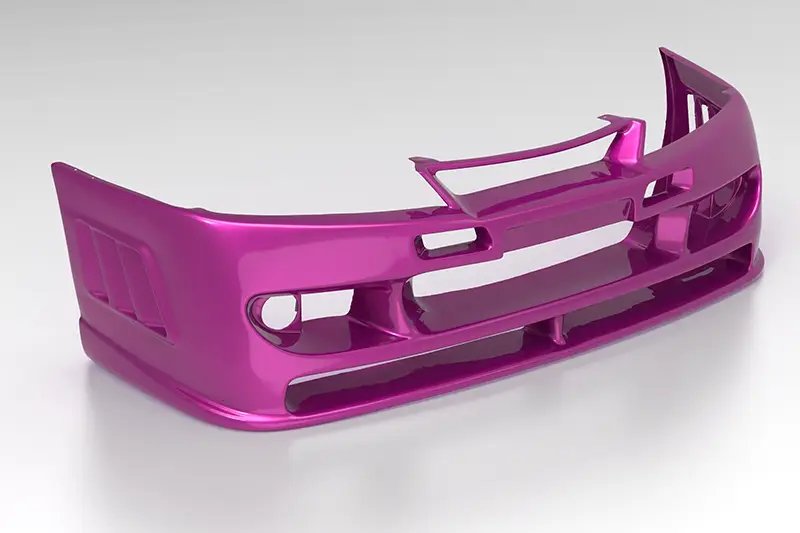
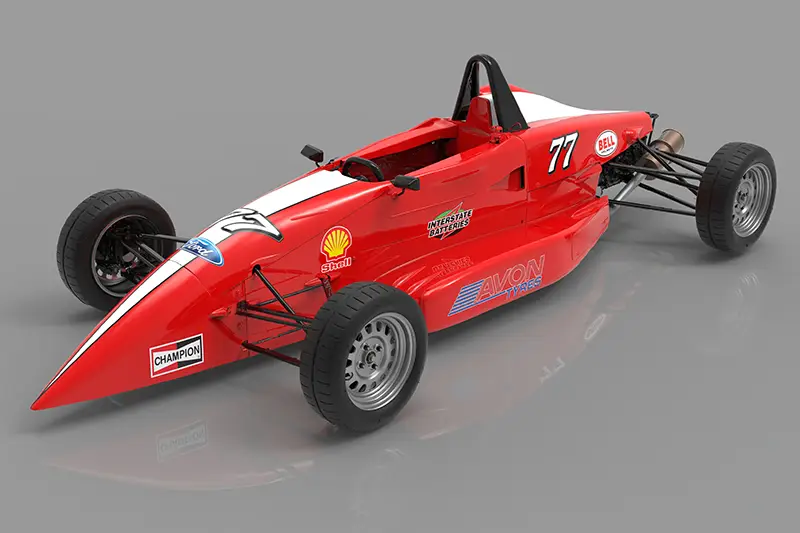
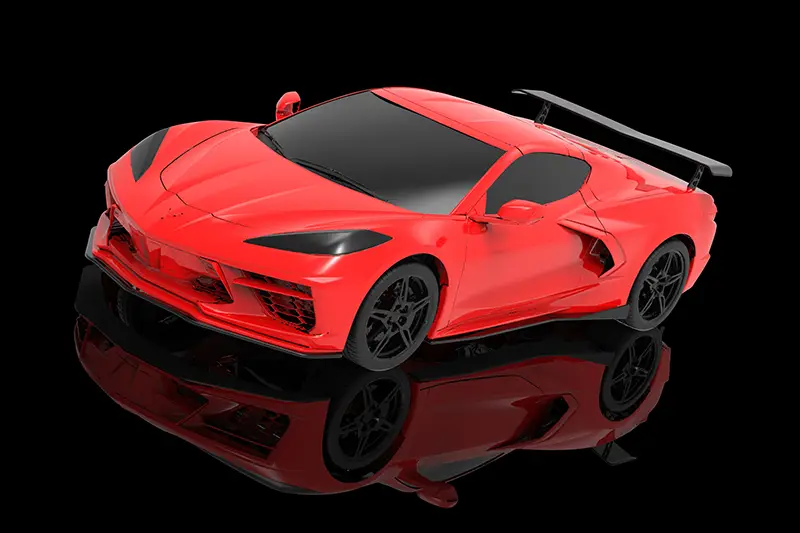
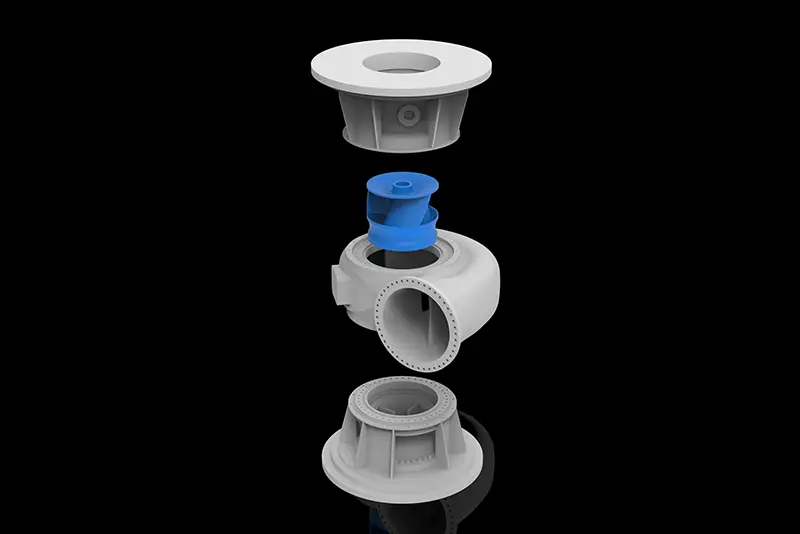
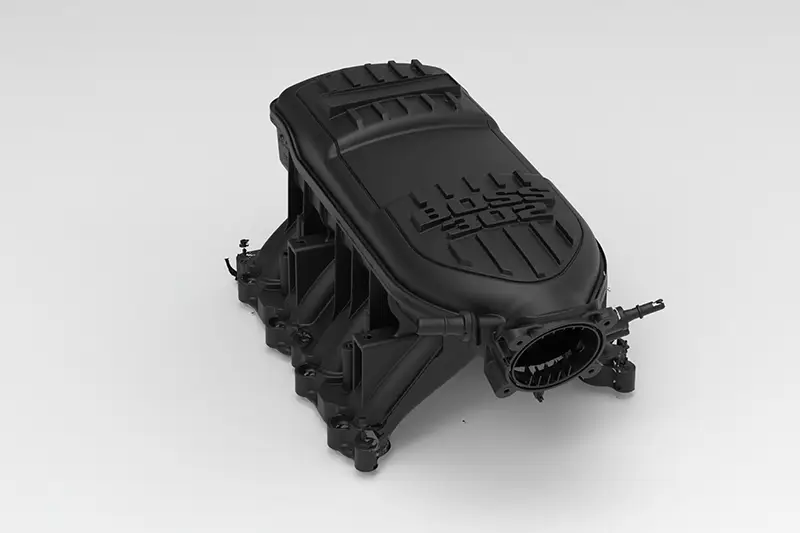
Reverse engineering and CAD modeling is the process of converting 3D scan data into accurate, fully editable CAD models for engineering, manufacturing, inspection, and product development applications. Using advanced 3D scanning technology combined with professional reverse engineering software, physical parts and assemblies can be digitally recreated into parametric solid models, surfaces, sheet metal components, and full mechanical assemblies.
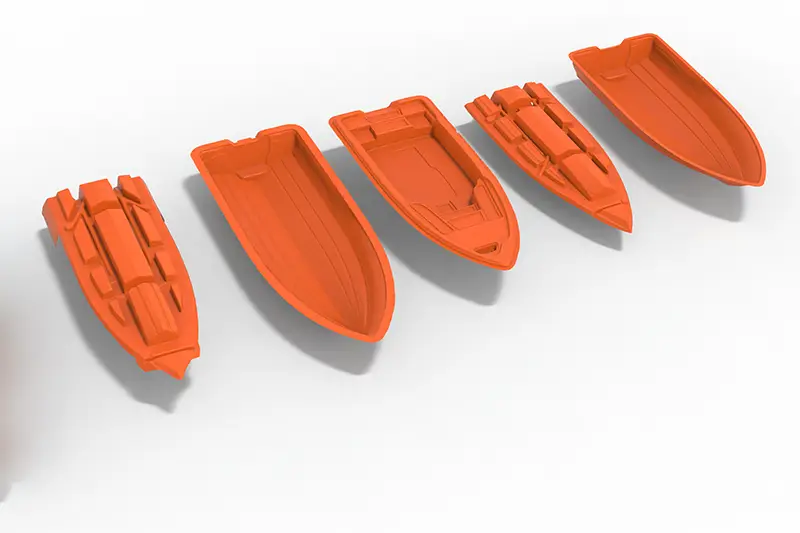
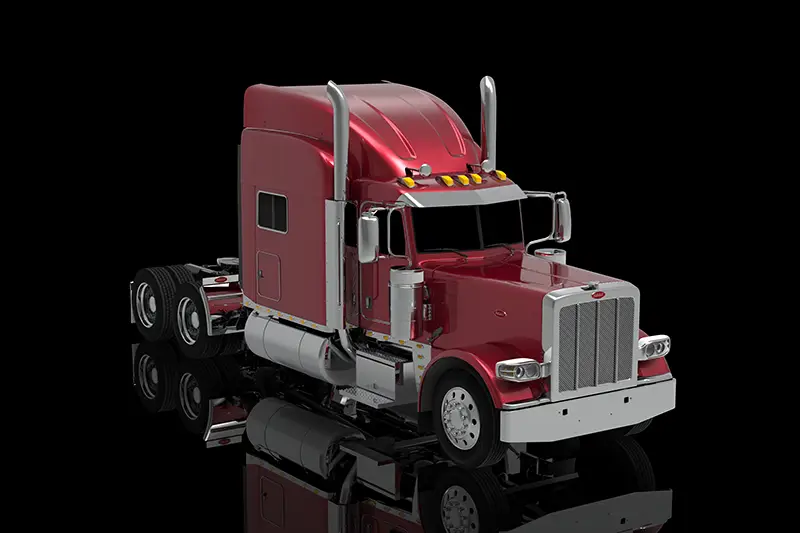
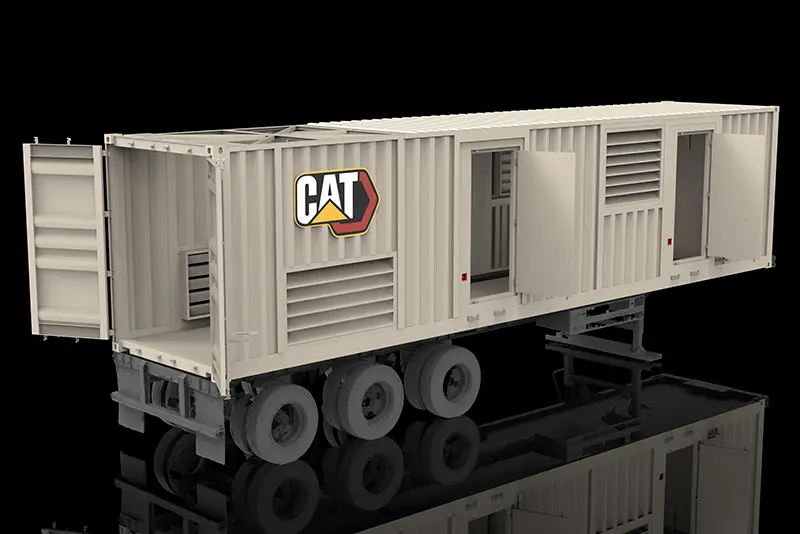
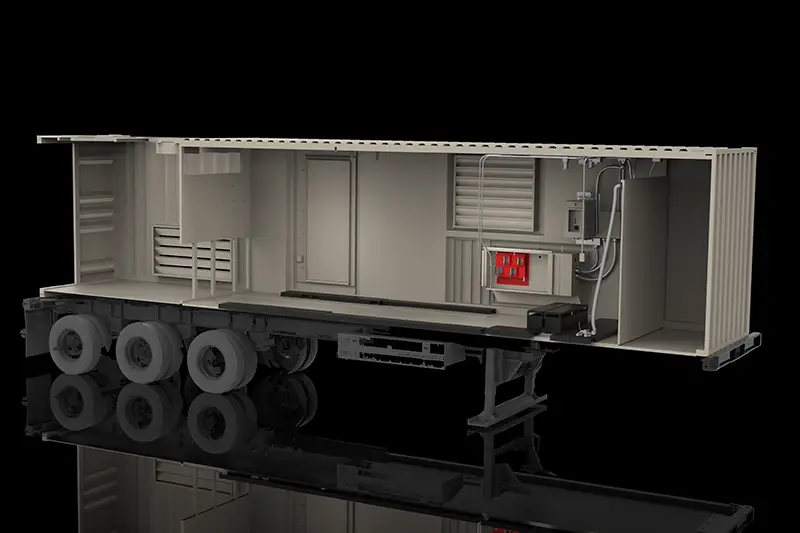
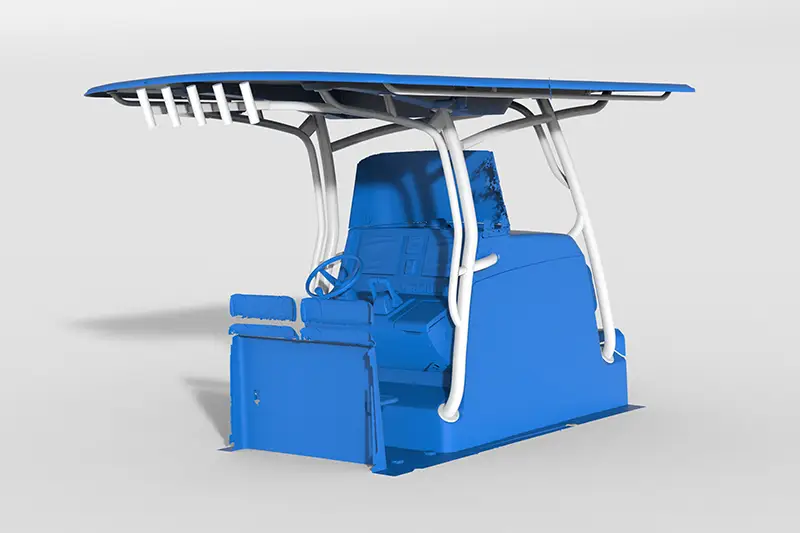
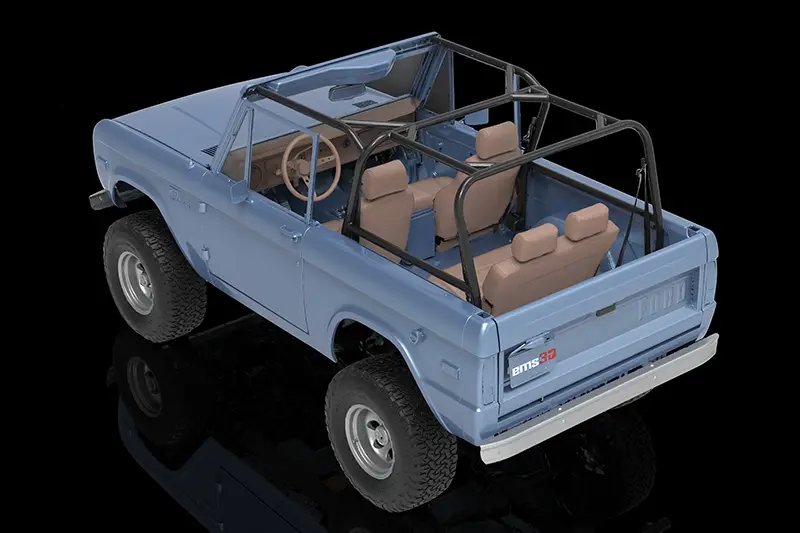
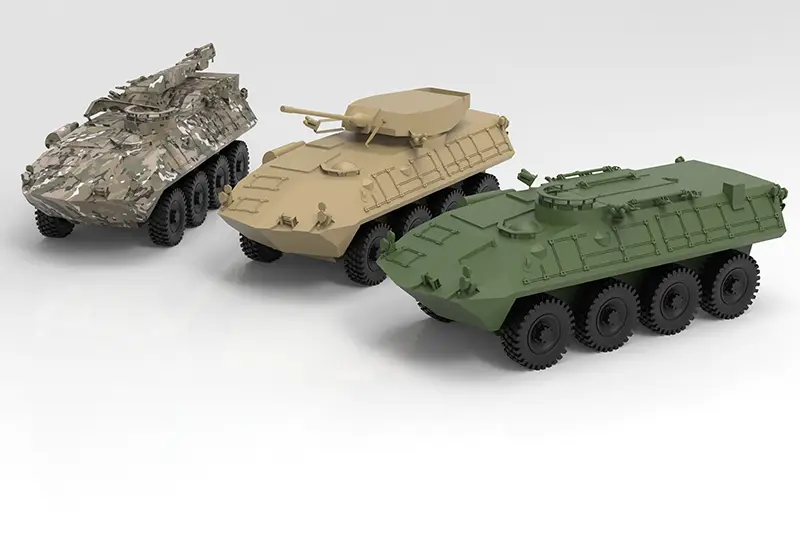
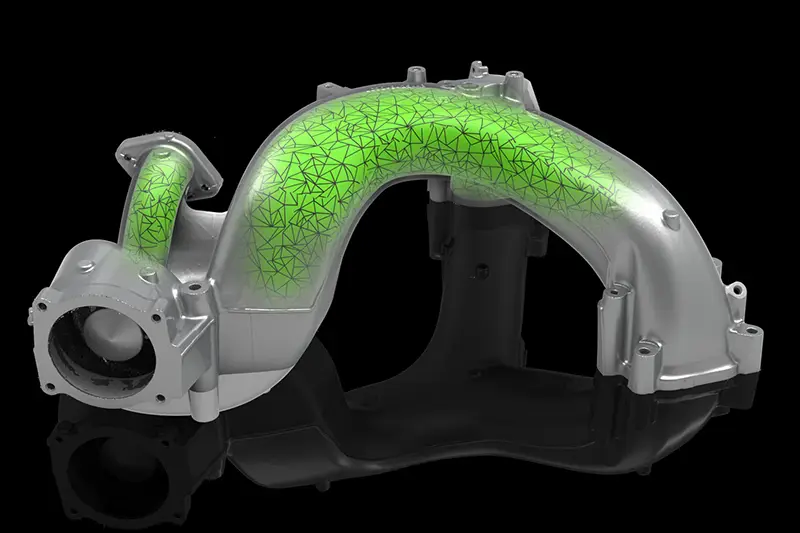
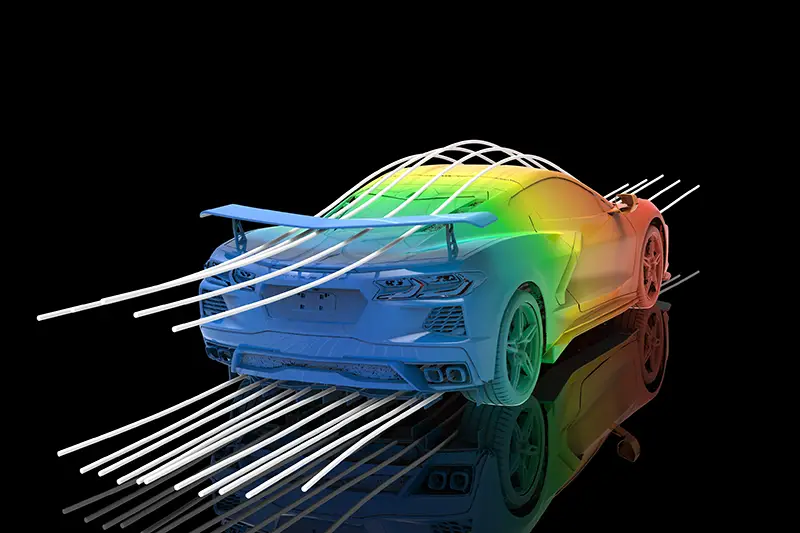
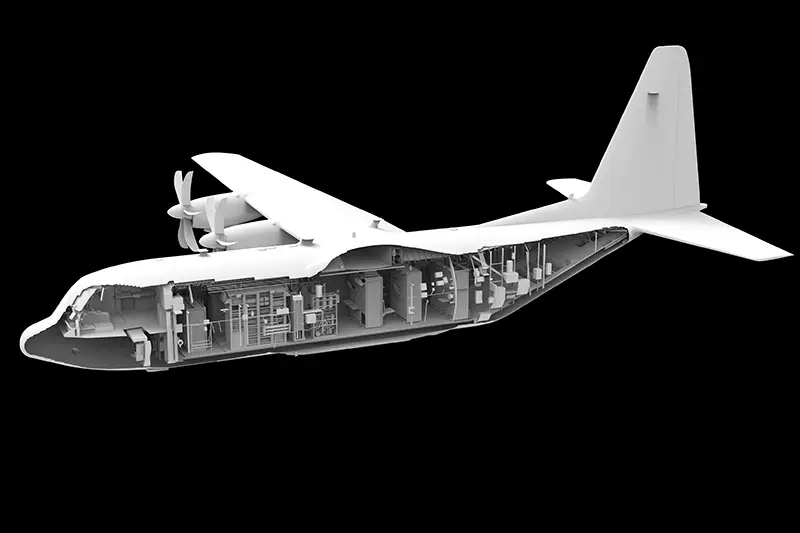
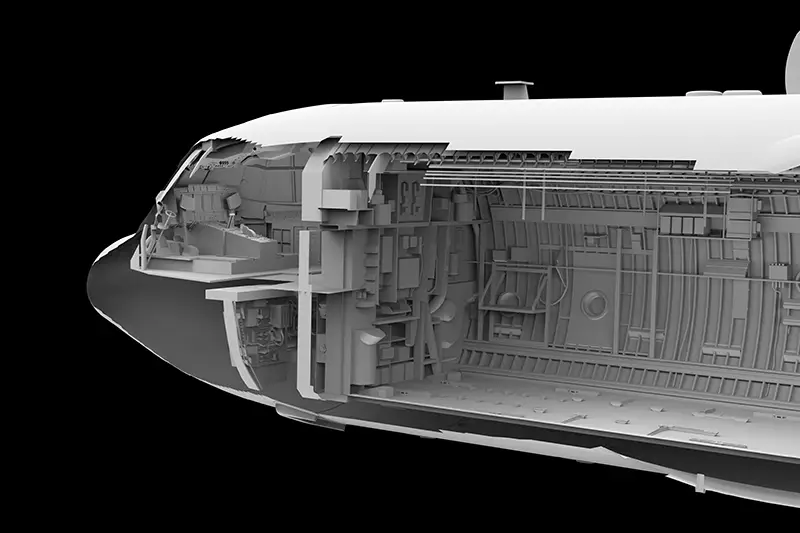
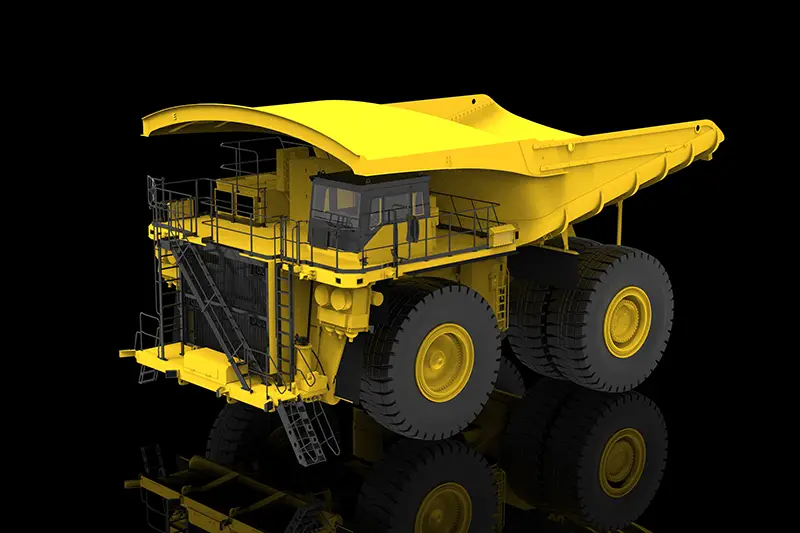
At EMS, we specialize in developing high-quality CAD models from 3D scan data ranging from small precision components to large industrial assemblies, vehicles, tooling, marine components, aerospace structures, and complex freeform geometry. Our reverse engineering workflows allow customers to reproduce obsolete parts, modernize legacy components, improve existing designs, validate manufacturing accuracy, and accelerate product development.
Our team works directly from high-accuracy scan data captured using ISO-certified and calibrated metrology equipment to ensure the final CAD models accurately represent the physical part geometry. Deliverables can include native CAD files, neutral formats, manufacturing drawings, and fully organized assemblies ready for engineering and production workflows.
- Creation of fully editable parametric CAD models from physical parts
- Reconstruction of obsolete, damaged, or undocumented components
- High-accuracy modeling directly from 3D scan data
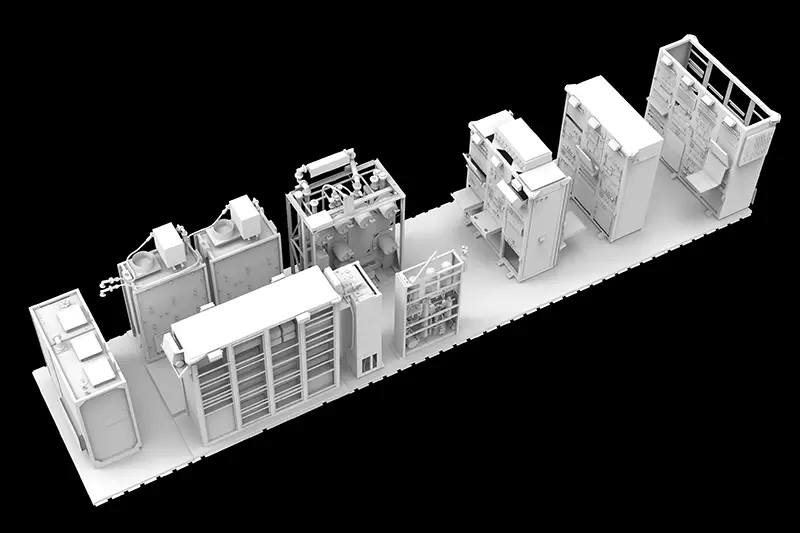
- Development of large mechanical assemblies and complex systems
- Faster product redesign and engineering modification workflows
- Accurate recreation of complex freeform and organic surfaces
- Generation of manufacturing-ready CAD data for CNC machining and fabrication
- Validation and comparison of manufactured parts against original designs
- Reduced manual measurement time and engineering effort
- Support for aerospace, automotive, marine, energy, defense, and industrial applications
- Export to neutral and direct CAD formats available
Our reverse engineering and CAD modeling services provide companies with a fast and accurate way to transform existing physical components into precise digital engineering data that can be used throughout the entire product lifecycle, from design and analysis to manufacturing and inspection.
ISO 17025 Certified
Calibrated equipment
Made in North America
Equipment & support
3D Scan Output Options
3D Scan to CAD Overview
3D Scan to CAD Inspection
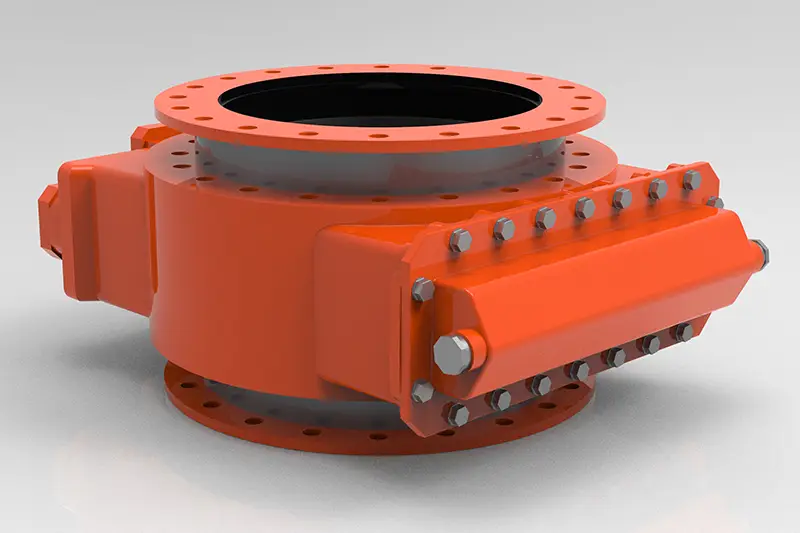
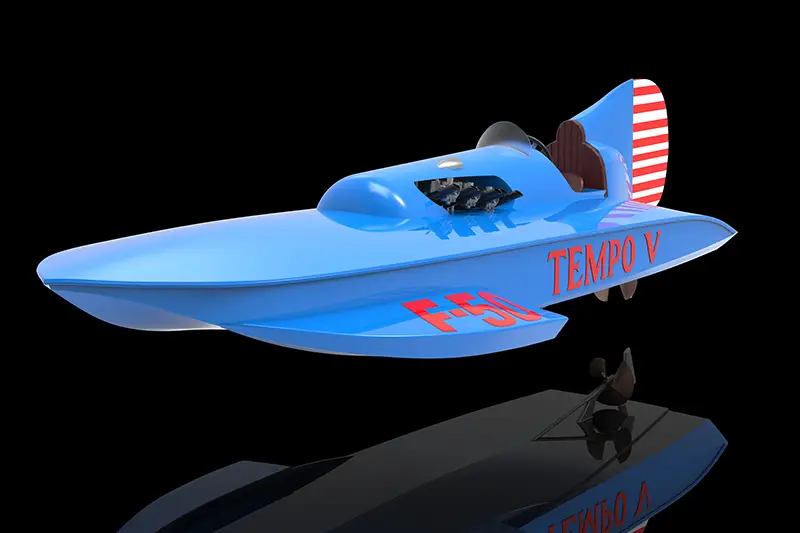
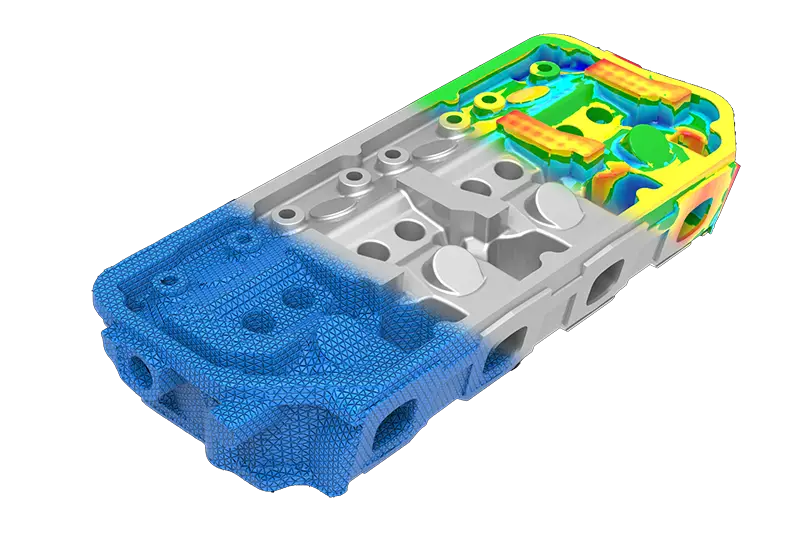
Get a Service Quote
Contact our team to discuss your project and see how 3D scanning can streamline your workflow.
Frequently Asked Questions & Technical Overview
Reverse Engineering / CAD Modeling
Reverse engineering turns a physical part into a usable CAD model. The 3D scan is the easy part; the modeling decisions that follow are where most of the questions come from, especially around what a scanner actually produces, how closely the model should match a worn part, and which file format you really need.
The answers below cover what we hear most from engineers, buyers, and product teams bringing us a part with no drawings.
01What is reverse engineering?
Reverse engineering is the process of creating an accurate CAD model from an existing physical part. The part is measured with a 3D scanner, and the scan data is used as a reference to rebuild the geometry in CAD.
This is commonly done when the original drawings or CAD files are missing, outdated, or were never created, or when an existing design needs to be modified, reproduced, or documented.
02What does “scan-to-CAD” mean?
Scan-to-CAD describes the process of converting 3D scan data into a usable CAD model. A scanner initially produces a point cloud or polygon mesh made of millions of measured points. That data accurately represents the shape of the part, but it is not the same as a conventional CAD model.
Additional reverse-engineering work is needed to create clean surfaces, solid geometry, dimensions, and editable features in a format such as STEP, IGES, Parasolid, or a native SOLIDWORKS file.
03Doesn’t the 3D scanner automatically create a CAD model?
No, and this is the most common misconception in 3D scanning. A scanner records surface geometry and outputs a point cloud or mesh (STL, OBJ, PLY). A mesh is essentially a hollow shell of triangles with no parametric intelligence, sketch history, or editable feature tree.
Producing a clean, usable CAD model requires reverse-engineering software and an experienced CAD technician. Automatic conversion tools can help with certain shapes, but they rarely produce the organized, accurate geometry needed for manufacturing.
04What is the difference between an STL mesh and a CAD model?
An STL file is a polygon mesh made up of many small triangles. It can represent the shape of a part very accurately, but it does not contain normal CAD features such as holes, fillets, sketches, dimensions, planes, or an editable feature tree. CAD programs treat it as a static object.
A CAD model uses mathematically defined surfaces and solid geometry. If you need to change a hole from 10 mm to 12 mm, you edit the dimension. An STL may be perfectly suitable for 3D printing or reference. If the part needs to be changed, machined, documented, or placed into an assembly, a proper CAD model is usually the better choice.
05Why shouldn’t I just send a raw STL file to a machinist?
Most CNC mills, lathes, and other subtractive equipment need CAD geometry (STEP or IGES) to generate toolpaths. A raw STL consists of millions of flat facets, which causes CAM software to struggle or fail when trying to produce smooth machining passes. 3D printers handle STL natively, but machining, casting, and fabrication almost always call for a true CAD model.
06What types of CAD models can be created from scan data?
The right model depends on the shape of the part and how the file will be used. Common options include:
- A non-parametric solid model for use as a reference, in an assembly, or for manufacturing
- A surface (NURBS) model for complex contours and freeform geometry such as body panels, blades, and ergonomic shapes
- A fully parametric model with editable dimensions and features, best for prismatic mechanical parts
- A hybrid model combining conventional CAD features with scanned surface geometry
We review the application before recommending a model type. There is no benefit in paying for a fully parametric model if a simpler STEP model will do the job.
07What is a parametric CAD model?
A parametric model is rebuilt using recognizable CAD features such as extrusions, revolutions, holes, patterns, fillets, and dimensioned sketches. Depending on the deliverable, it can also include a feature history that allows the design to be modified later.
This is normally the best option when you expect to change dimensions, create a family of similar parts, produce manufacturing drawings, or continue developing the design.
08What is “design intent,” and will the CAD model match the part exactly?
A scanner captures the part as it exists, including wear, manufacturing variation, warpage, and damage. Before modeling begins, we determine which of two approaches you need.
An as-built model follows the actual manufactured shape, including measurable distortion or wear. This is right for custom orthotics, worn tooling that needs to be matched for repair, historical artifacts, and cases where every contour matters. A design-intent model represents the clean, nominal geometry the part was meant to have: an 89.4° bend becomes 90.0°, a slightly out-of-round hole becomes a true circle at an agreed diameter, and concentric features are centered. Most mechanical parts intended for reproduction call for design intent, and many projects combine the two.
09Can you reverse engineer a worn, broken, or damaged part?
Yes. In many cases the CAD model should represent the part as it was originally intended, not every dent, worn surface, or damaged edge found on the sample.
Our engineers can reconstruct missing features, restore symmetry, correct worn holes, and rebuild damaged areas using the surrounding geometry as a guide. Photographs, mating components, drawings, and your own knowledge of the part all help establish the original design. Any areas that require interpretation are discussed before the model is finalized.
10How accurate is scan-to-CAD reverse engineering?
Accuracy depends on two things: the baseline precision of the scanner (typically ±0.015 mm to ±0.05 mm on metrology-grade equipment) and the modeling process itself. Part size and complexity, surface condition, the required CAD output, and how the model is constructed all contribute.
The target tolerance should be established before scanning begins. A model intended for general fit-up does not require the same approach as a precision-machined component. When required, we compare the completed CAD model back to the original scan data and provide a color deviation map showing how closely the two match, typically within ±0.05 mm to ±0.1 mm for mechanical parts.
11Can you scan shiny, dark, or transparent parts?
Usually. Optical scanners rely on light returning to a camera, so highly polished, transparent, and very dark surfaces can scatter light, pass it through, or add noise. These parts may need temporary scanning targets or a removable matting spray that creates a uniform surface.
We use the least intrusive preparation practical and will discuss it beforehand if the part has a delicate finish or cannot be coated.
12Can you capture deep holes and internal features?
A conventional 3D scanner must be able to see a surface to measure it. Deep holes, narrow passages, enclosed cavities, and hidden internal features may not be fully visible from the outside.
Accessible features can be measured with additional metrology equipment or conventional inspection tools, and assemblies can sometimes be taken apart and scanned as individual components. For completely enclosed internal geometry, industrial CT scanning captures internal and external features without cutting the part apart. We review the component and recommend the most practical method.
13What file formats can you provide?
Common deliverables include:
- STEP (.stp) and IGES (.igs) neutral formats that open in virtually any CAD/CAM system
- Parasolid (.x_t)
- Native SOLIDWORKS files with full feature trees
- STL or OBJ mesh files
- 2D drawings in PDF, DWG, or DXF format
Other formats may be available depending on the software and project. If the model will be used in a particular CAD, CAM, inspection, or manufacturing system, tell us before the project begins so we can recommend the best output.
14Can the finished CAD model be edited?
It depends on the type of model ordered. A STEP or Parasolid file opens in most major CAD systems, but it usually imports as a single solid without an editable feature history. It can still be used in assemblies and modified with direct-editing tools, though changes are less convenient.
A native parametric model provides much more control over individual dimensions and features. If future design changes are expected, tell us at the start so the model is built accordingly.
15Can the CAD model be used to manufacture a replacement part?
Yes. Reverse-engineered CAD models are commonly used for CNC machining, additive manufacturing, tooling, casting, fabrication, and other processes.
The intended manufacturing method should be identified before modeling begins. A part machined from billet may need to be modeled differently from one that will be molded, cast, fabricated, or printed. The CAD model defines the geometry; material, tolerances, finishes, heat treatment, and other requirements still need to be established before production.
16How long does a scan-to-CAD project take?
The physical scanning phase usually takes anywhere from 15 minutes to a few hours. The CAD modeling phase is where most of the time goes.
A simple mechanical part such as a flat bracket or basic adapter might take a few hours of modeling. Complex assemblies, engine castings, or organic automotive bodies can take 10 to 30 or more hours of hands-on engineering time. We provide a realistic timeline with the quote.
17What are the most common applications for reverse engineering?
The use cases we see most often include:
- Legacy part reproduction for out-of-production machinery where drawings were lost or never existed
- Aftermarket and accessory development that must fit existing OEM products precisely
- Tooling and mold work, including re-creating worn molds or modifying existing dies
- Creating CAD for inspection when no nominal model exists
- Competitive analysis and design documentation
18What information do you need to quote a reverse-engineering project?
Good photographs and a short explanation are usually enough for an initial review. Please provide:
- Overall dimensions of the part and photographs from several angles (a ruler or hand for scale helps)
- The material and approximate weight
- The required accuracy or tolerances and the features that matter most
- How the CAD model will be used and your preferred file format
- Whether you need a 2D manufacturing drawing
- Whether the part is worn, damaged, or incomplete
- Your required completion date
Existing drawings, sketches, sample CAD files, mating components, and assembly information are also helpful. The more we know about the final use of the model, the more accurately we can define the work and quote the project.
